Pick the customer & generate the link
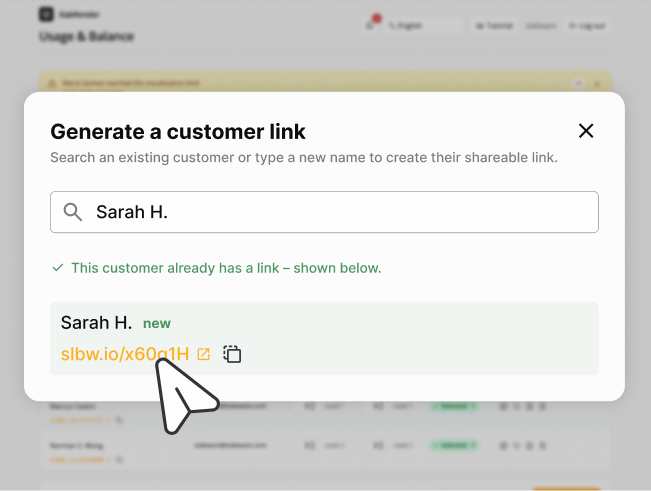
In Usage & Balance, click the “Generate a link” card. Search for an existing customer or type a new name, then create their private link.
lightbulbEach link belongs to one customer and remembers what they pick.
Step by step
Two sides of the same link. Pick the one you need right now.
In Usage & Balance, click the “Generate a link” card. Search for an existing customer or type a new name, then create their private link.
lightbulbEach link belongs to one customer and remembers what they pick.
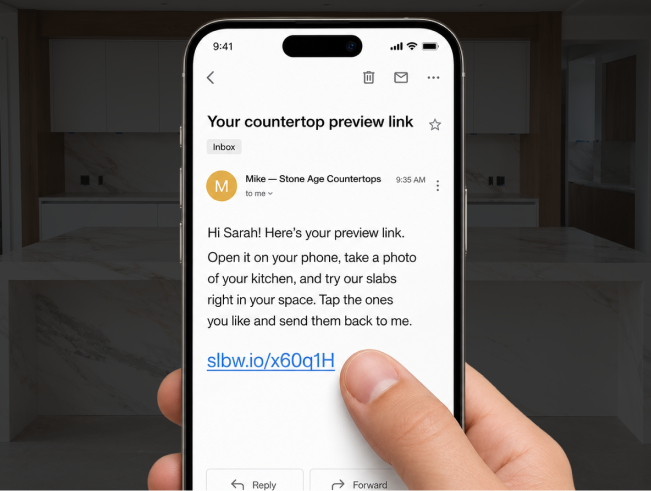
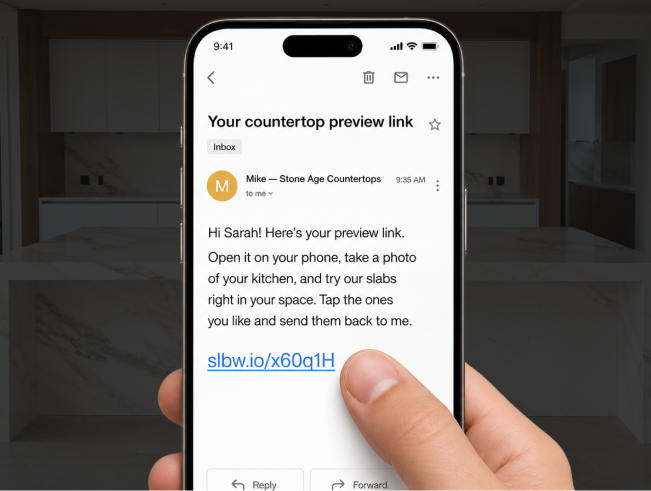
Copy the link with one tap and paste it wherever your customer is: WhatsApp, email, or a text message. No attachments, nothing to install.
lightbulbReal example: “Hi! Here's your countertop preview link …”
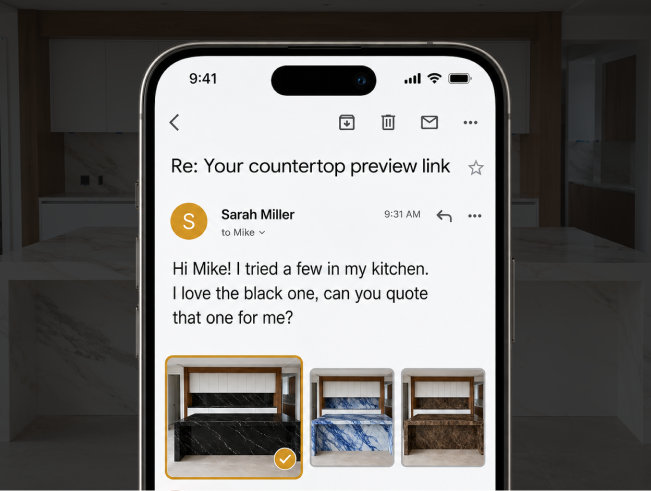
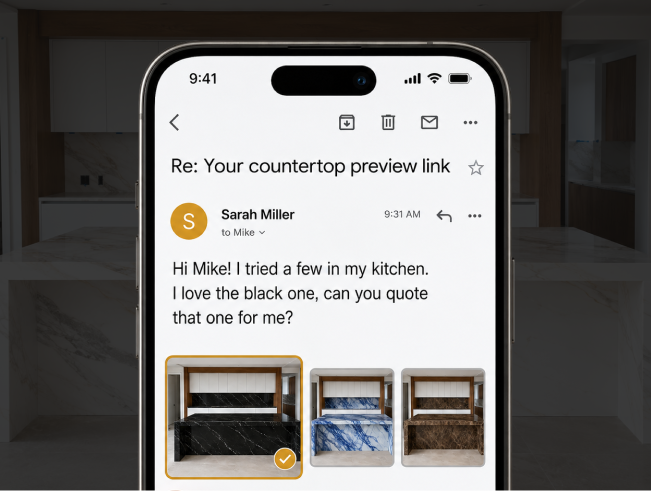
When the customer sends their picks, they appear in Customer selections on your dashboard, with the exact images they chose. Download them and follow up to close the sale.
lightbulbNewest selection always shows at the top.
They tap the link you sent. It opens straight in the phone browser, with no app to download and no account to create.
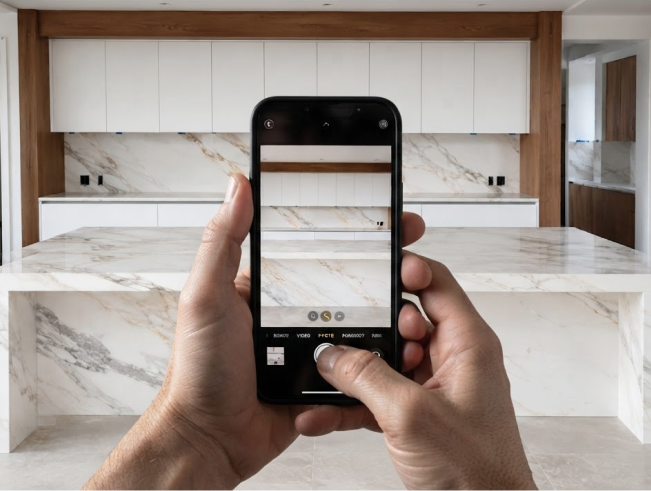
They snap (or upload) a photo of the kitchen, island or bathroom, wherever the new stone will go.
lockNothing is stored on our servers. The photo is used only to build the preview.
They browse your slabs (filter by type or color) and tap one. In a few seconds, the AI places that exact stone onto the surface in their photo.
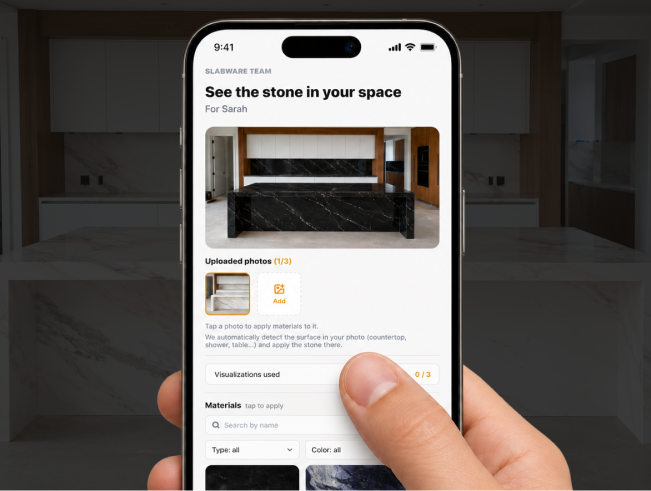
The countertop now shows the real slab, matched to the room's light and angle. They can hold the image to peek at the original “before”.
swipeDrag the handle to compare before and after.


They heart their favorites and tap Send selection. Done. Their picks (and the preview images) land in your dashboard as a fresh lead.
Pro tip
Generating the link from the quote or invoice keeps every preview tied to that job, so the lead comes back already attached to the right order.